
 USD
USD
Best AI Fashion Tools for Fashion Brands in 2026

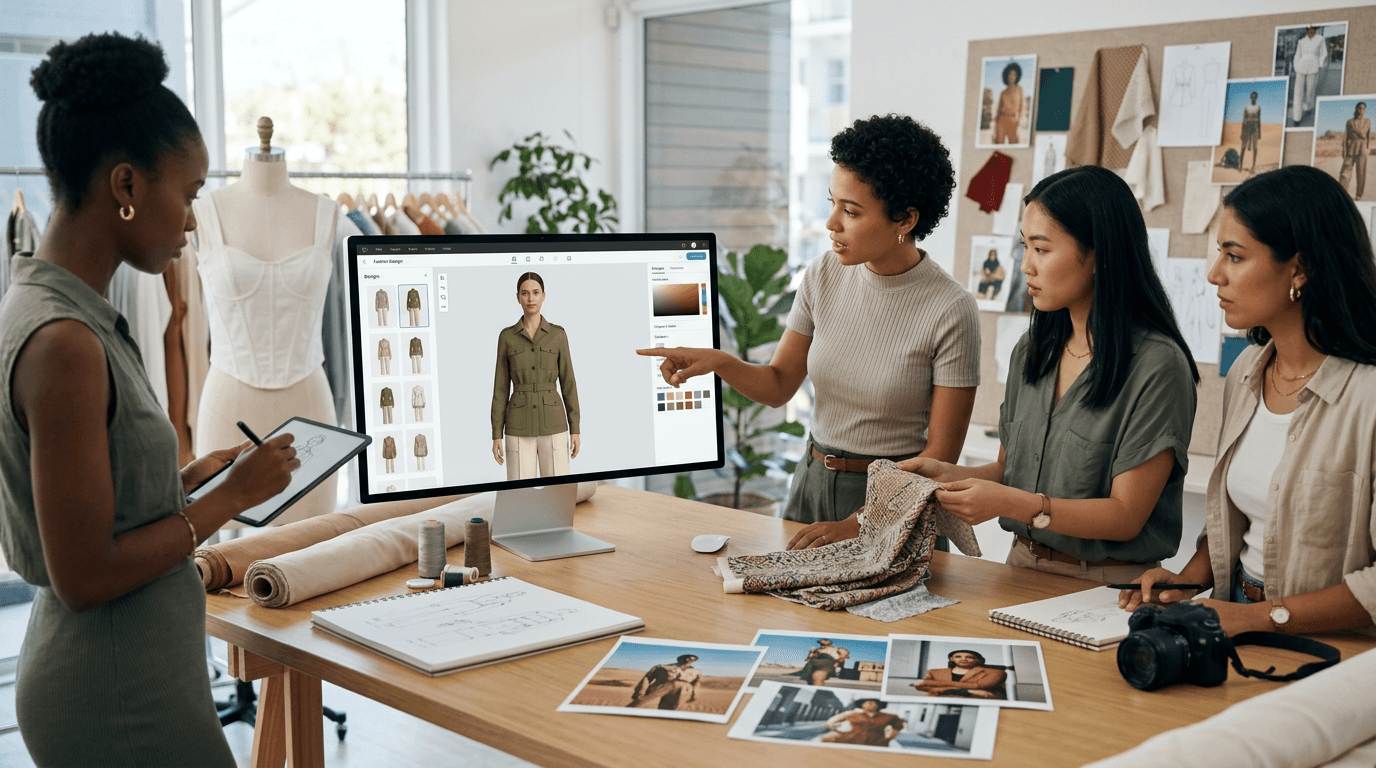
Running a fashion brand in 2026 means doing five jobs at once. You design products, shoot them, write the listings, plan the next drop, and market all of it. Each of those jobs used to need a specialist or a big block of your week.
AI tools now cover a surprising amount of that work. Not all of it, and not all equally well, but the good tools have moved past the demo stage. Brands use them daily for product photos, print designs, trend research, and copy.
This guide covers seven tools worth your money in 2026, one for each major job in a fashion brand's workflow. For each tool you get real pricing, what it does well, who it fits, and where it falls short. There's a short decision framework at the end if you're still torn.
Best AI fashion tools: a quick overview
- WearView: Best overall for product photography. Turns a flat lay or ghost mannequin shot into on-model photos in seconds, and keeps the same AI model across a whole collection.
- Kittl: Best for print and graphic design. AI image and vector generation built for apparel graphics, with print-ready SVG export.
- The New Black: Best for garment design ideas. Generates clothing designs from text prompts at a very low cost per design.
- Heuritech: Best for trend forecasting. Reads millions of social media images a day to predict what people will wear next season.
- Midjourney: Best for concept imagery and moodboards. The strongest raw image generator for campaign concepts and lookbook direction.
- ChatGPT: Best for product copy and everyday brand work. Product descriptions, SEO text, customer emails, and research in one chat window.
- Canva Magic Studio: Best for marketing assets. Social posts, ads, and banners with an AI suite layered on top of the editor your team probably already knows.
| Tool | Key strength | Pricing | Platforms |
|---|---|---|---|
| WearView | On-model product photos with consistent AI models, up to 4K | From $29/mo (no free tier) | Web |
| Kittl | AI graphics and vector designs for apparel prints | Free tier; Pro from $10/mo billed annually | Web |
| The New Black | Garment designs generated from text prompts | 3 free credits; packs from $5; plans from $8/mo | Web |
| Heuritech | Trend forecasts from 3M+ social images analyzed daily | From EUR 12,000/year | Web |
| Midjourney | Highest-quality concept and campaign imagery | From $10/mo, no free trial | Web |
| ChatGPT | Product copy, research, and brand admin | Free tier; Plus $20/mo | Web, mobile, API |
| Canva Magic Studio | AI-assisted marketing and social content | Free tier; Pro from $15/mo | Web, mobile |
1. WearView, best overall for product photography
WearView is an AI fashion photography platform that turns standard product images into professional on-model photos, built for fashion brands, ecommerce stores, designers, and content creators. You upload a flat lay, ghost mannequin, or packshot image, pick from a range of AI models across different ethnicities, body types, and ages, and describe the pose, background, or setting you want. The tool returns finished on-model photos in under 15 seconds, and the garment in the output matches the garment you uploaded, prints and seams included.
That last part is why it sits at the top of this list. Plenty of generators can produce a nice picture of a model in a jacket. Very few can produce a picture of a model in your jacket. It matters because of what it replaces: a traditional shoot means booking a model, a photographer, a studio, lighting, and an editing round. WearView produces listing-ready results digitally at a fraction of that cost, which puts professional imagery within reach of a small label and lets a bigger brand test new designs and launch collections without waiting on a studio slot.
WearView also keeps the same model identity across an entire collection, so a 40-product catalog reads as one campaign instead of 40 stock photos, and you can spin variations of the same product for listings, ads, and social from one upload. Beyond product photography with AI models, the platform covers virtual try-on, AI model creation from text, pose control from reference images, ghost mannequin generation, and short fashion videos. You can see the full toolset at WearView.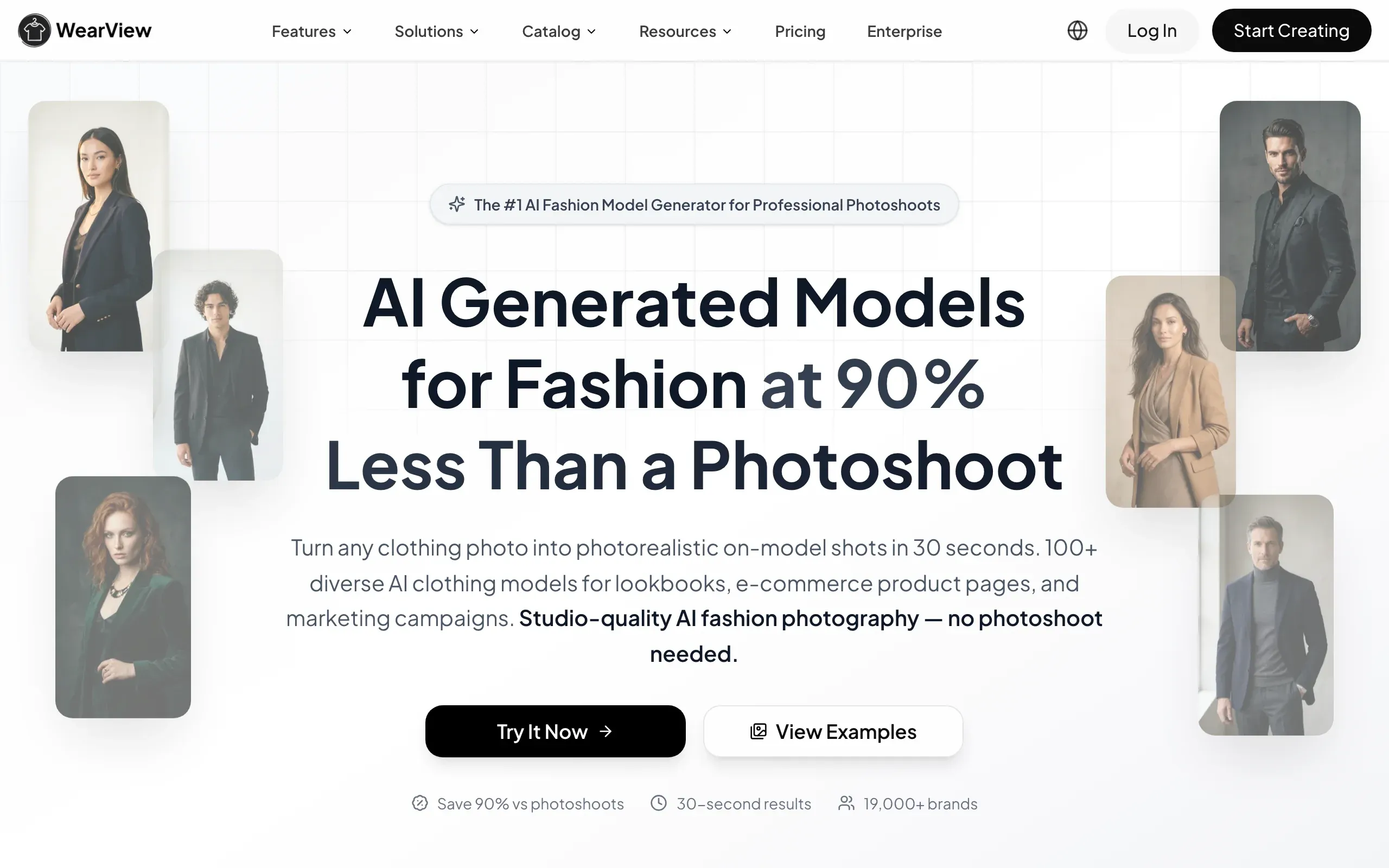
Key features
- Product-to-model conversion in under 15 seconds
- Consistent model identity across a whole collection
- Virtual try-on and AI model creation from text prompts
- Pose control using reference images
- Ghost mannequin and AI fashion video
- HD, 2K, and 4K output with commercial rights
Best for
- Brands that want one recognizable model across many products
- Print-on-demand and ecommerce sellers who need listing photos the same day a design is ready
- Small and mid-size labels replacing photoshoots they can't budget for
- Designers and content creators producing full campaigns, not one-off images
Pricing
- Lite starts at $29 per month for 50 credits
- Pro is $49 per month for 200 credits with team seats
- Advanced is $99 per month for 500 credits, and annual billing costs less
- There is no free tier
Pros
- Output matches the actual garment, which most generators can't do
- Consistent models are genuinely hard to find elsewhere
- 4K output holds up in print and hero banners
Cons
- No free plan, so you pay before testing at scale
- Web only, with no native Shopify app
2. Kittl, best for print and graphic design
Kittl is a design platform built around AI generation, and it has quietly become a favorite among print-on-demand sellers. You type a prompt and get graphics, illustrations, or full t-shirt designs, then edit everything in a proper design editor with fonts, textures, and effects. The detail that matters for apparel: Kittl generates vectors, not just raster images. A vector design scales to any print size without going blurry, which is exactly what a DTG or screen printer wants from you.
The library helps too. There are more than 10,000 templates, many aimed at merch, t-shirts, and posters, so you can start from something close and push it toward your brand instead of starting from a blank canvas.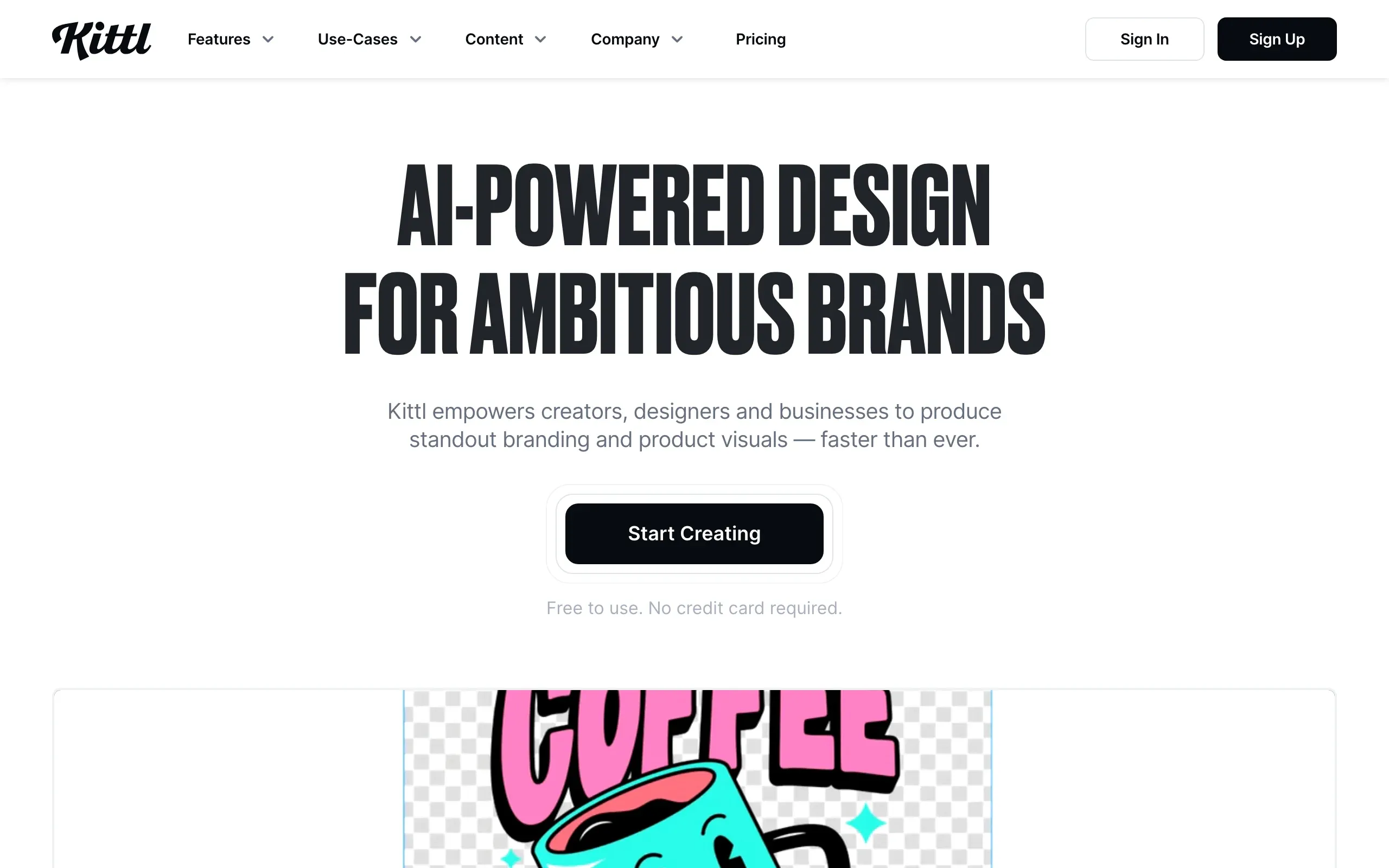
Key features
- AI image generator and AI vector generator
- Print-ready SVG and high-resolution export
- 10,000+ templates including t-shirt and merch layouts
- Background removal and image upscaling
- Commercial license covering up to 500,000 copies on paid plans
Best for
- Print-on-demand sellers who need artwork for shirts, hoodies, and mugs
- Small brands without a dedicated graphic designer
Pricing
- Free tier with a limited template selection
- Pro is 10permonthbilledannually(15 monthly) with 2,000 AI tokens a month
- Expert is 24permonthbilledannually(30 monthly) with 6,000 tokens
Pros
- Vector output is print-ready, which most AI generators skip
- The editor is good enough that you rarely need a second tool
- Cheap relative to hiring out even one design
Cons
- The AI token math takes some getting used to
- It designs graphics, not garments or photos, so it covers one slice of the workflow
3. The New Black, best for garment design ideas
The New Black generates clothing designs from text descriptions. Type "oversized cropped denim jacket with contrast stitching" and it returns garment concepts you can iterate on, recolor, and refine. It's fashion-specific, so it understands cuts, fabrics, and construction terms that trip up general-purpose generators.
The pricing is the other draw. Credits start at $5 for a pack of 40, which makes it cheap enough to use as a brainstorming tool: generate thirty takes on a concept, keep two, and take those further. The platform has grown past pure ideation too, with AI tech pack creation and virtual try-on built in, though you'll still want a pattern maker or manufacturer to sanity-check anything before production.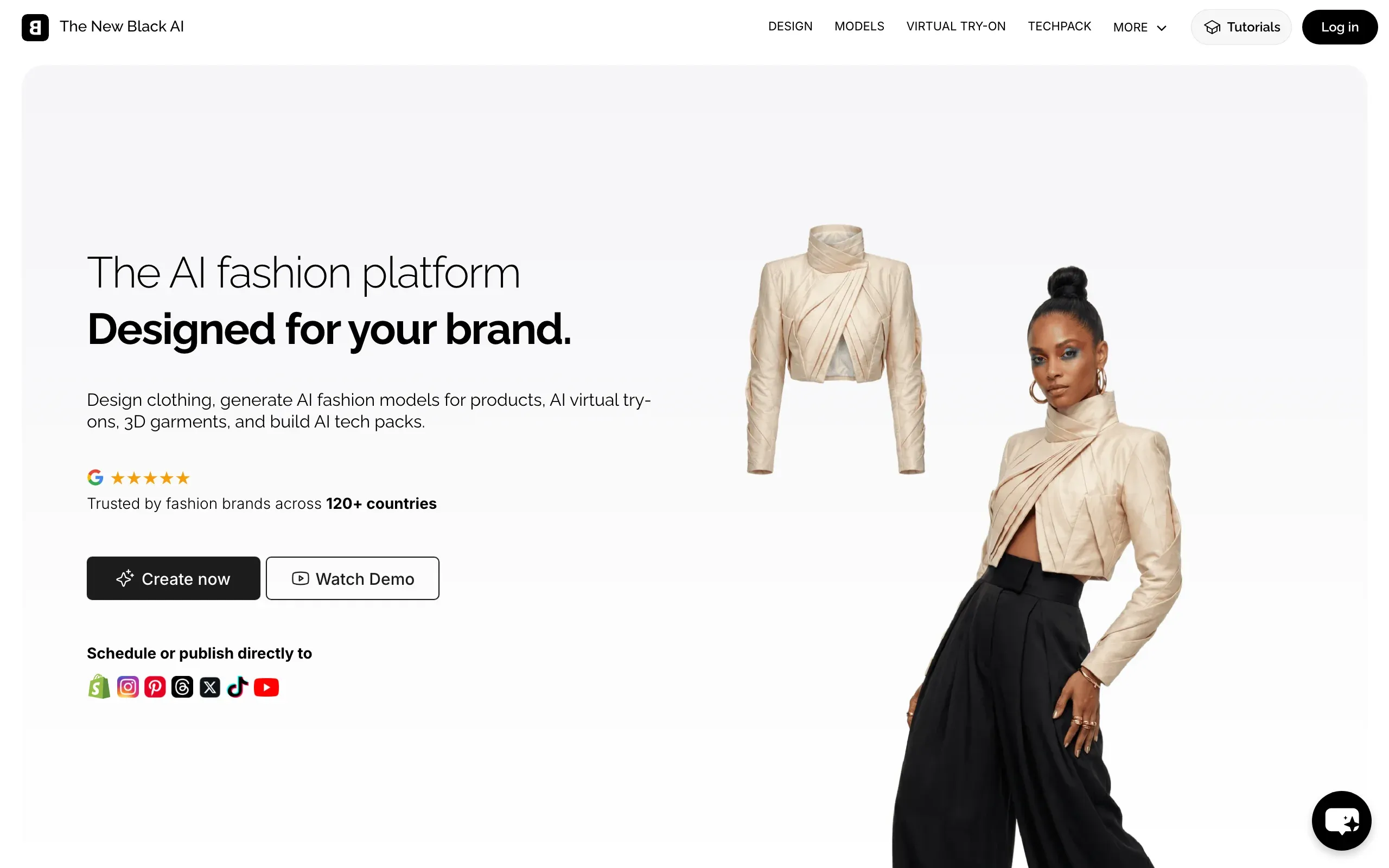
Key features
- Garment design generation from text prompts
- Fashion-specific controls for garment type, fabric, and style
- Design variations and recoloring
- AI tech pack creation
- Credit packs and monthly plans
Best for
- Designers who want fast visual exploration before sketching
- Small brands testing design directions before committing to samples
Pricing
- 3 free credits to start
- One-time packs from $5 for 40 credits
- Monthly plans from $8 for 100 credits
Pros
- Very low cost per design concept
- Understands fashion vocabulary better than general image tools
- Fast way to fill a moodboard with original directions
Cons
- Generated designs still need translation into production-ready patterns
- Quality varies, so expect to generate in volume and curate hard
4. Heuritech, best for trend forecasting
Heuritech is a different kind of tool from everything else on this list. Instead of generating images, it analyzes more than 3 million social media photos a day with computer vision, detecting over 2,000 fashion attributes like colors, prints, fabrics, and silhouettes. From that it forecasts which trends will grow or fade up to 24 months out, and the company claims around 90% forecast accuracy.
For a brand, the pitch is straightforward: produce what people will actually want, and cut the dead stock. The catch is the price: plans start around EUR 12,000 per year, and there's no self-serve signup. If you're a two-person label, this is one to bookmark rather than buy. If you're planning production runs across seasons, the math can work.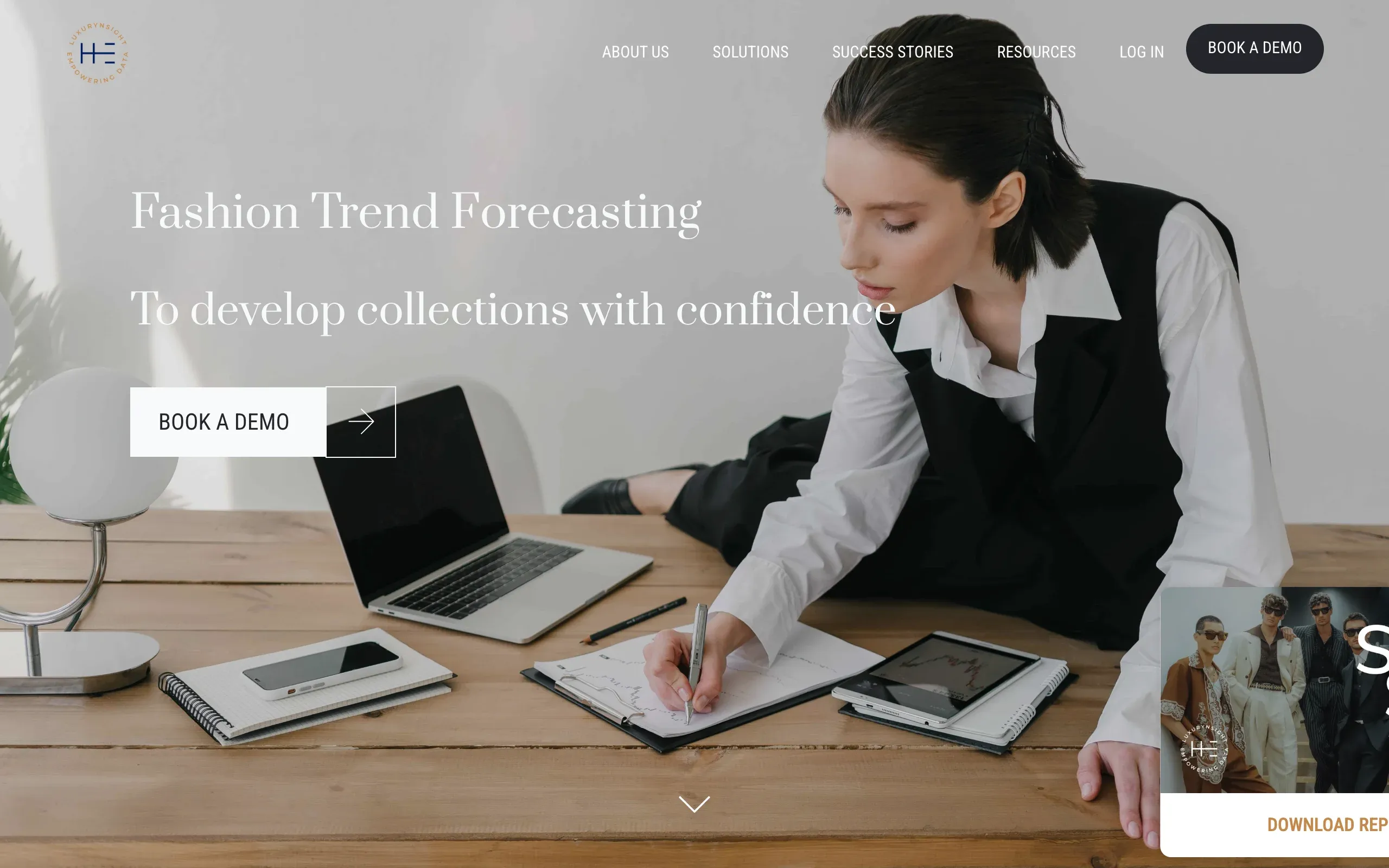
Key features
- Computer vision analysis of 3M+ social images daily
- 2,000+ detected fashion attributes
- Trend growth forecasts up to 24 months ahead
- Market and consumer insights dashboards
Best for
- Mid-size and large brands planning seasonal production
- Merchandising teams that need data behind buying decisions
Pricing
- Essential plans start from EUR 12,000 per year
- Business plans start from EUR 35,000 per year, and Enterprise is custom
Pros
- Real behavioral data instead of gut feel
- Long forecast horizon fits production lead times
Cons
- Priced for enterprises, not indie labels
- No self-serve option, you talk to sales first
5. Midjourney, best for concept imagery and moodboards
Midjourney is the strongest general-purpose image generator on this list, and fashion teams use it constantly for campaign concepts, lookbook direction, and moodboards. If you need a very specific visual mood, say a desert editorial at golden hour with a 90s film grain, Midjourney will get you there faster and prettier than anything else here.
What it won't do is render your actual product. You can describe a garment, but the output is Midjourney's interpretation, not your SKU. That's fine for concepting and bad for listings. Teams that get the most out of it treat it as the ideas department: art direction, backgrounds, styling references, and print pattern inspiration, with product-accurate tools handling the catalog work.
Key features
- State-of-the-art image generation for style and atmosphere
- Strong control over composition, lighting, and mood
- Fast iteration on visual directions
- Web editor with image references and remixing
Best for
- Creative directors building campaign and lookbook concepts
- Brands that need original print and pattern inspiration
Pricing
- Basic is $10 per month with about 3.3 fast GPU hours
- Standard is $30 per month with 15 fast hours and unlimited relaxed generation
- Pro is $60 per month and adds stealth mode for privac
Pros
- Best-in-class image quality for mood and atmosphere
- Cheap entry point at $10
- Huge community, so prompt techniques are easy to find
Cons
- Can't reproduce your actual garment, so it doesn't replace product photography
- GPU-hour pricing is confusing until you've used it for a mont
6. ChatGPT, best for product copy and everyday brand work
ChatGPT is not a fashion tool, and that's sort of the point. It's the general assistant that fills every gap between the specialized tools: product descriptions, SEO titles, size guide copy, customer service replies, ad variations, supplier emails, and the "what should I name this colorway" questions at 11pm.
For a small brand the free tier already covers a lot. Plus at $20 per month gets you the stronger models, image understanding (upload a garment photo and ask for listing copy), and deep research for things like competitor pricing sweeps. The output quality tracks the effort you put into the prompt. Give it your brand voice, your audience, and two example listings, and the drafts get genuinely usable.
Key features
- Product descriptions, SEO copy, and ad text on demand
- Image input, so it can write from a product photo
- Deep research for market and competitor questions
- Custom GPTs to encode your brand voice once and reuse it
Best for
- Solo founders and small teams drowning in listing copy
- Anyone who wants one assistant across writing, research, and admin
Pricing
- Free tier available
- Go is $8 per month; Plus is $20 per month
- Business starts around $20 per user per month billed annually
Pros
- Covers dozens of small jobs no fashion tool touches
- Free tier is enough to prove the value
- Improves with the context you feed it
Cons
- Generic output if you prompt it lazily
- No fashion-specific features, everything depends on your instructions
7. Canva Magic Studio, best for marketing assets
Canva is where the product photos and copy from the other tools turn into actual marketing. Magic Studio is its AI layer: Magic Design generates full layout options from a prompt, Dream Lab handles text-to-image, Magic Write drafts copy inside the canvas, and the editing tools cover background removal, object erasing, and resizing one design across every ad format in a click.
For a fashion brand the daily use case is volume. Story posts, launch banners, email headers, and marketplace graphics all come out of the same brand kit, so everything matches without a designer touching each file. It won't produce your product imagery, but it's the fastest way to package that imagery into content.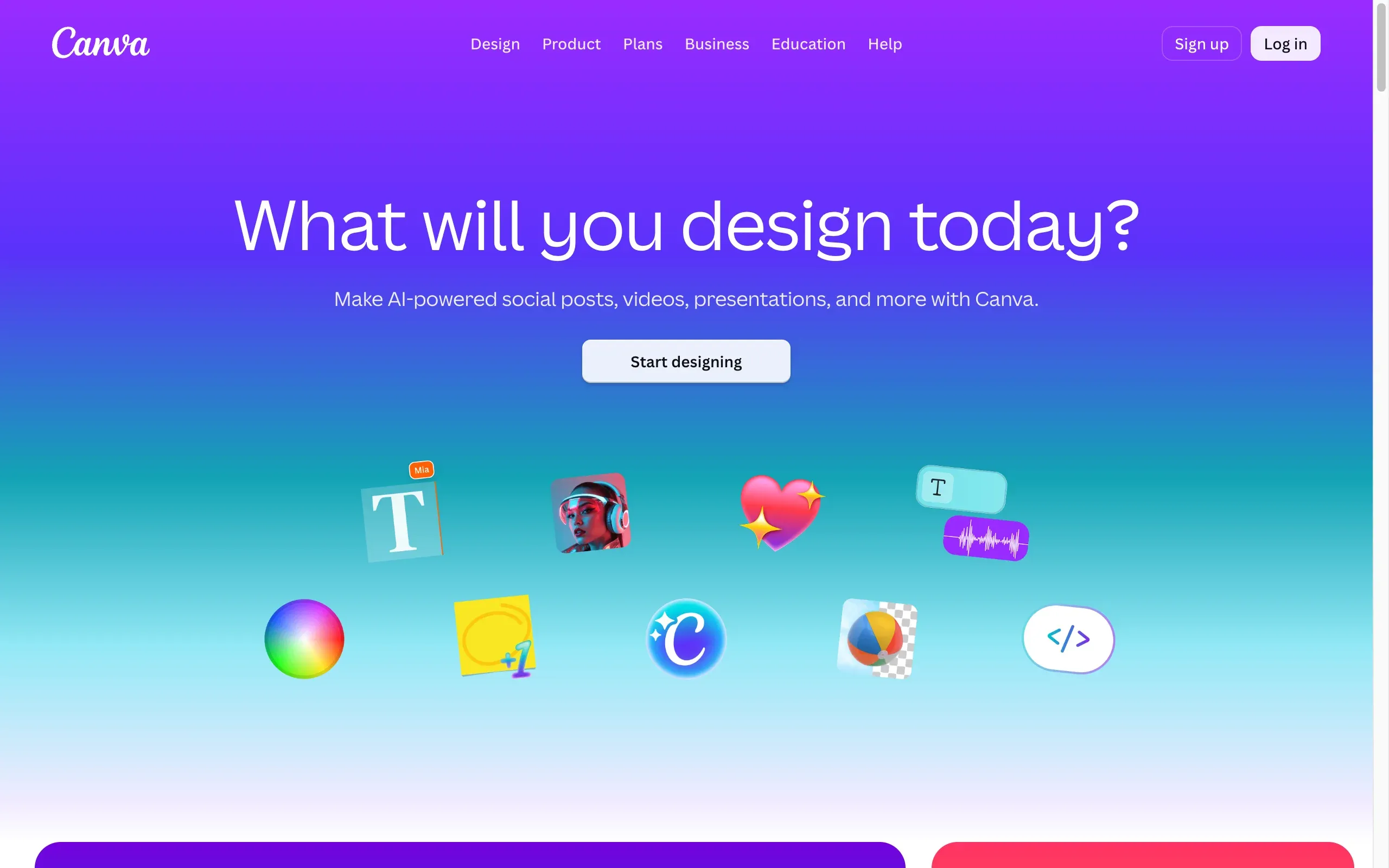
Key features
- Magic Design for instant layout generation from a prompt
- Dream Lab text-to-image generation
- Magic Write for in-canvas copywriting
- Background remover, Magic Eraser, and one-click resizing
- Brand kit that keeps fonts and colors consistent
Best for
- Brands producing daily social and ad content
- Teams without a full-time designer
Pricing
- Free plan with core editing tools
- Pro is around $15 per month, less on annual billing
- Paid plans include monthly AI usage allowances
Pros
- Your team likely knows the editor already
- Brand kit keeps output consistent at volume
- Free tier is genuinely useful
Cons
- AI usage is capped per month even on paid plans
- Not built for garment-accurate product imagery
How to choose the right AI fashion tools for your brand
Seven tools is a stack, not a shopping list. Most brands need two or three. Here's how to narrow it.
1) Fix the most expensive problem first
Ask where you currently spend the most money or lose the most time. If it's product photography, start with WearView, since a single traditional shoot usually costs more than a year of software. If it's design work you keep outsourcing, Kittl or The New Black pays back fastest. If it's unsold inventory, that's a Heuritech conversation.
2) Decide where product accuracy matters
This is the split people miss. Midjourney, Dream Lab, and The New Black generate beautiful images of imaginary products. That's perfect for concepts and moodboards, and useless for listings, because the shopper has to receive the exact item in the photo. For anything a customer can buy, use a tool that works from your real product photo, which on this list means WearView.
3) Do the per-asset math
Free tiers and cheap credits look similar until you count what you actually produce in a month. A brand listing 30 new products needs roughly 90 to 120 on-model images, which fits WearView's $49 Pro plan. A POD seller testing 50 designs a month burns through Kittl tokens faster than the Pro tier expects. Run one real month of volume against each pricing page before you commit.
4) Match the tool to the team you have
ChatGPT and Canva assume no special skills. Midjourney rewards someone who enjoys prompt tinkering. Heuritech assumes a merchandising team that will act on the data. Buying a tool nobody has time to learn is how software subscriptions go to die, so pick for the team you have now, not the one you plan to hire.
FAQ
What are AI fashion tools?
Software that uses AI to handle parts of a fashion brand's workflow: generating product photos on AI models, designing garments or print graphics, forecasting trends, writing product copy, and producing marketing content. Most are web apps priced by subscription or credits.
Can AI really replace a product photoshoot?
For ecommerce listings, mostly yes. Tools like WearView generate on-model photos from a flat lay or ghost mannequin shot that hold up on a product page, at a fraction of studio cost. High-concept editorial campaigns still benefit from a real shoot, but catalog work is a solved problem.
Which AI tools are best for print-on-demand sellers?
Two cover most of it. Kittl generates the print-ready artwork that goes on the garment, and WearView turns your product mockups into on-model listing photos. Add ChatGPT for listing copy and you've covered design, photos, and text for under $80 a month.
Are there free AI fashion tools?
Several have free tiers. Kittl, ChatGPT, and Canva all offer free plans, and The New Black gives 3 free credits to test with. Midjourney and WearView have no free tier, so budget for those from day one.
Can I use AI-generated images commercially?
Usually yes on paid plans, but check each tool's terms. WearView includes commercial rights on paid plans, and Kittl's paid license covers up to 500,000 copies of a design. Free tiers sometimes carry restrictions, which matters the moment you run paid ads.
Can AI design clothes I can actually manufacture?
Partly. Tools like The New Black produce design concepts and even AI-generated tech packs, but you still want a pattern maker or manufacturer to verify fabric, sizing, and construction before a production run. Treat AI design output as a very fast sketching phase with a head start on documentation.
What's the difference between Midjourney and a fashion-specific tool like WearView?
Midjourney generates images from imagination, so the clothing in its output is invented. WearView works from your actual product photo, so the garment on the model is the one you sell. Use Midjourney for concepts and campaigns, and a product-accurate tool for anything a customer can order.
How much should a small brand budget for AI tools?
A working stack runs $50 to $100 per month: WearView Lite at $29 for product photos, Kittl Pro at $10 to $15 for design, and ChatGPT free or Plus for copy. That replaces work that used to cost that much per day.