
 USD
USD
Custom Embroidery Digitizing & DST Files: From Design to Perfect Stitch

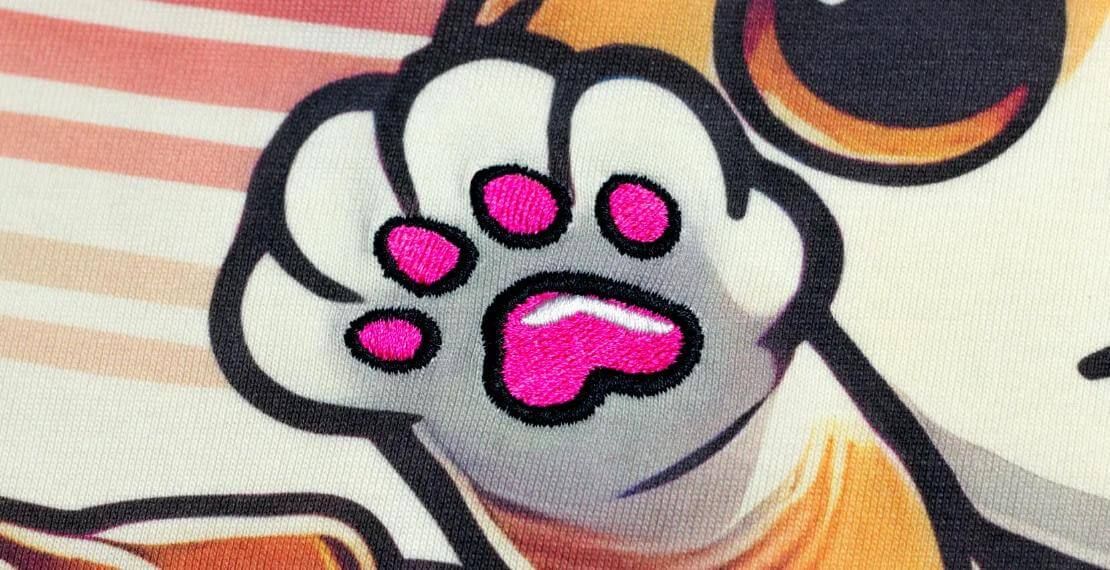
If you want to embroider your logo or artwork on clothing or other cloth products, you probably have heard the term "DST file." It may sound technical, but it is a very important element in the embroidery process. This article explains what a DST file is, why it is important, and how PODpartner helps create and use DST files in custom embroidery work. Whether you start with an image or already have a DST file, you can learn all the necessary knowledge about how embroidery works and how to use expert assistance to streamline your work.
What is a DST File?
DST files is the kind of file used to create designs on fabric with embroidery machines. This is not a normal image or drawing file. Rather, outline a process for the embroidery machine. The machine where to start and stop, these instructions tell about it, how many stitches to make, and which direction to move. This file does not contain colors or images like photos. Simply tell the machine how to sew the design. DST files are used for both home and industrial embroidery work.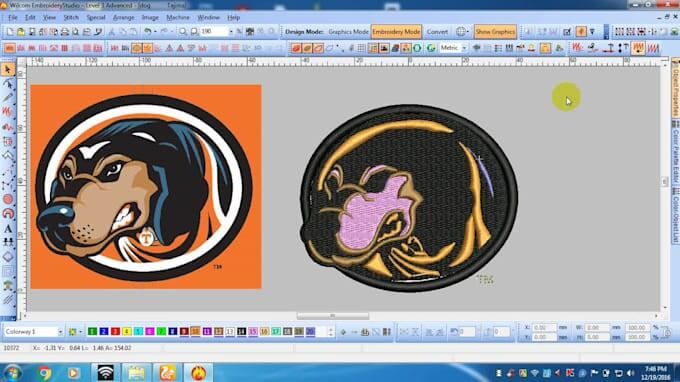
What kind of file is it?
DST is an abbreviation of "Data Stitch Tajima." This is a file format widely used in machine embroidery. Unlike image files such as JPEG and PNG, DST files cannot be opened and displayed on a regular computer or smartphone. This file was created exclusively for embroidery machines. This data contains information that tells the embroidery machine what to do per procedure. This function indicates the position to move the needle to the machine, the timing of the beginning and the sewing stop, and the number of stitches to sew. This allows the machine to precisely sew the design into the fabric.
What does a DST file contain?
The DST file contains important details about the embroidery design. This file shows the position of the machine to place each stitch, the type of stitch to use, and the correct procedure. By following these steps, the machine can sew the design to the fabric cleanly and accurately.
- Stitch positions: Where each stitch should be placed
- Stitch type: What kind of stitch to use
- Thread color changes: When to change the thread color
- Stitch spacing: How close or far between the seams
This information helps the embroidery machine to accurately embroider the design and keep the fabric clean and sturdy.
How is it different from PNG or JPEG?
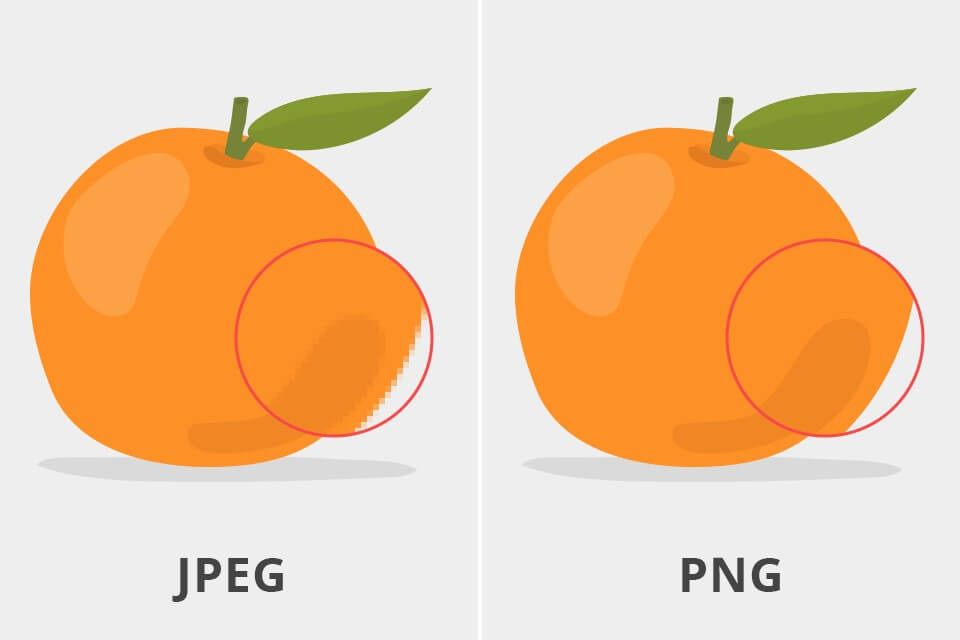
PNG and JPEG image files are used to display images on the screen or print them on paper. However, embroidery machines cannot read these files. Because these files do not contain embroidery instructions. The embroidery machine only understands special files like DST and instructs how the file embroiders the design. PNG files cannot be used directly in embroidery machines. First, you need to convert the image to a DST file. This is a process called embroidery digitization. This allows the machine to understand the design and embroidery the fabric correctly.
What Makes Custom Embroidery Digitizing So Important
Custom embroidery is not merely sewing designs, it is about placing the thread in the proper place, utilizing the proper color, and sewing in the proper succession. For this, a procedure known as embroidery digitization is needed. This procedure transforms designs like logos and artwork into specific files that can be read by embroidery machines, and in this case, a particular file. Embroidery machines operate in a controlled manner. After the design is formatted as a DST file, the machine can execute the embroidery on the fabric seamlessly.
Why is it important?
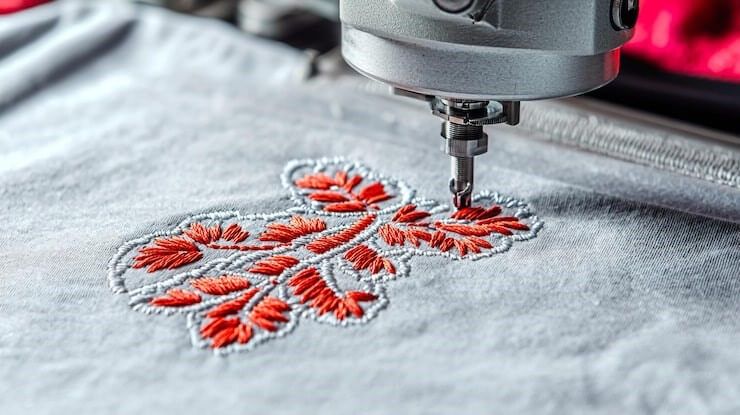
A good embroidery requires a good plan. One critical step is the digitization and embroidering of the file which is a step done into the design. This information guides the embroidery machine to embroidery the design correctly. Also, after embroidery, the fabric looks orderly, high quality and helps to keep it sturdy.
Why proper digitization matters:
- Design looks the same on fabric as planned
- Stitching stays even and strong
- Thread colors change at the right time
- Final product looks clean and professional
PODpartner: The Premium Custom Embroidery Expert
Creating a DST file yourself is difficult if you do not understand how the embroidery machine works. The good news is you do not have to design your own embroidery. PODpartner helps with custom embroidery. They perform digitizing, dst file conversion, file verification, dst embroidery, and file accuracy checks on their own work. Because of this, the whole process is made simpler and the design is guaranteed to be embroidered well. What's more, PODpartner offers a free customer customization, allowing every POD seller to let their customers add their own designs to products.
For users who do not have DST files:
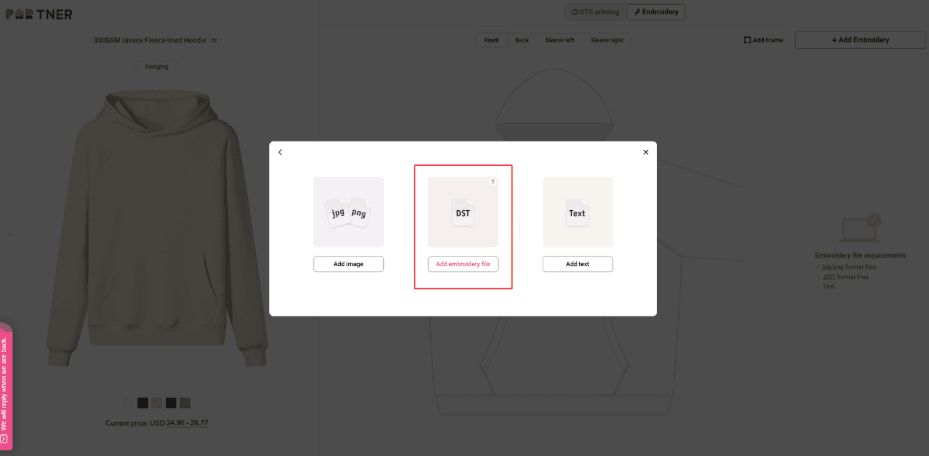
If you have a dst file, png, jpg or any other image file, do not worry. With image files, PODpartner makes the process easier. All you need to do is upload your image, and their team will make dst files out of the rest of the images.
This means no longer having to learn to use embroidery softwares or the stitch settings. Everything is done by PODpartner and you are free to relax.
Here is what they offer:
- You upload your design (in any common format like JPG, PNG, etc.)
- They convert it to a ready-to-use DST file
- They send it back or use it for custom embroidery on your chosen items
So even if you are starting with just an image, you can still get professional-quality embroidery.
For users who already have DST files:
If you already have a DST file, you can upload it directly to PODpartner. They will check it and ensure that:
- The file is compatible with their embroidery machines
- Stitching comes out clean and accurate
- Thread colors and positions are properly followed
This makes the process quick and stress-free for users who are already familiar with embroidery files.
Other services offered by PODpartner:
In addition to DST file conversion and embroidery, PODpartner also offers:
- DTG + embroidery combination service (for printed and stitched designs)
- Fast production and delivery
- Original embroidery on clothes, hats, bags, etc.
- Help with selecting thread colors and fabric types
FAQs about DST Files
Here are some frequently asked questions about DST files and embroidery. We will answer these in a simple and easy to understand way.
Q1: Can I embroider using PNG or JPG files?
You can start with a PNG or JPG file, but these files are not directly available on the embroidery machine. First you need to convert to a DST file. PODpartner provides this service so that you can convert your images into DST files that can be used immediately for embroidery purposes.
Q2: Why does my DST file look different on another machine?
Not all embroidery machines are the same. Some machines may load DST files slightly differently. Therefore, it is important to create files that match the type of machine you use. The team at PODpartner knows how to handle this and creates files that work properly on various machines.
Q3: How long does it take to digitize your embroidery?
With PODpartner, the digitization process is fast. Converting a design to a DST file usually takes about an hour depending on the complexity. You can start embroidery as soon as the file is complete.
Conclusion
To achieve high quality embroidery, you need the right file and the file is the DST file. This file tells the embroidery machine a clear procedure for accurately embroidering the design. If you do not have a DST file or do not know how to create it, PODpartner will help you. They convert your images to DST files and perform embroidery work on their behalf. Whether for business, team, event or personal use, PODpartner simplifies the process and ensures that the final result is as clean as it is designed.
Further reading

No Order Minimums

No Membership Fees

No Unsold Stock

No Quality Concerns
Only Creativity, Satisfaction, and Profits!