
 USD

How to Print Graphics on a T-shirt (DTG Printing Guide)


When you desire to print a T-shirt and do not possess a personal DTG machine, it is not hard to make use of PODpartner. Place your order, select your favorite color and T-shirt style, upload your design and have your order ready. Since there is no limit to the quantity, you can order from one piece to the required number. This makes it very useful for individuals, small businesses, and people who want to print graphics on T-shirts without a capital investment.
If you wanna build your clothing brand with pod, PODpartner must be your best choice, which provides free customer DIY feature for your customers.
Why choose PODpartner?
- No need to invest in expensive DTG machines.
- High-quality cotton t-shirts.
- Clear, bright prints with long-lasting results.
- Easy ordering system for small or large batches.
- Provide custom embroidery services
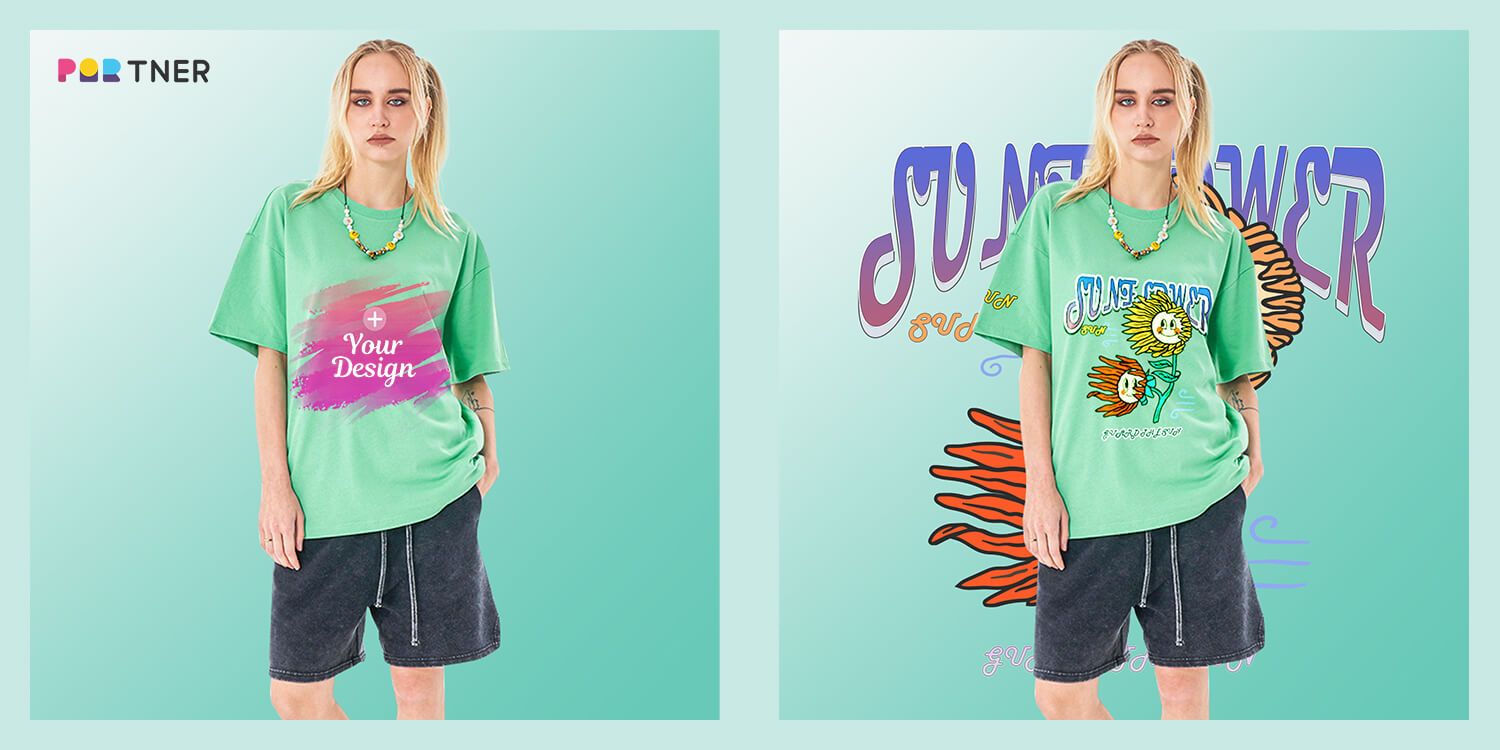
Want to print a design? Create your own original T-shirt by using PODpartner now.
Printing graphics on T-shirts is a popular and easy way to create custom shirts. Easily add your own artwork, logo, and detailed design on your shirt. One of the best ways to do this is direct-to-garment (DTG) printing. In DTG, the design is printed directly on the fabric, so it is characterized by colorful, detailed and comfortable finish. This printing method is ideal for small lot production and multi-color design. This guide explains how DTG printing works step by step.
Things You Should Do Before Printing
Before printing graphics on T-shirt, it is important to prepare properly. When both the t-shirt and design are ready, the result looks clean and professional. Preparation is good, so colors will stay bright, small details will remain visible, and the print will stay on the fabric longer. Failing to do it will give a dull or uneven appearance to the print. However, you can prevent the mistake by checking starting with the fabric type, design size, resolution, and file quality.
Choose the Best Fabric for Printing Graphics
Not all T-shirt fabrics are good for DTG printing. Cotton is the best choice because it absorbs ink better than other fabrics. A 100% cotton t-shirt gives the highest print quality, making your graphics on T-shirt look clear and bright. Cotton blends have a tendency to make the design less sharpened and colors are less intense.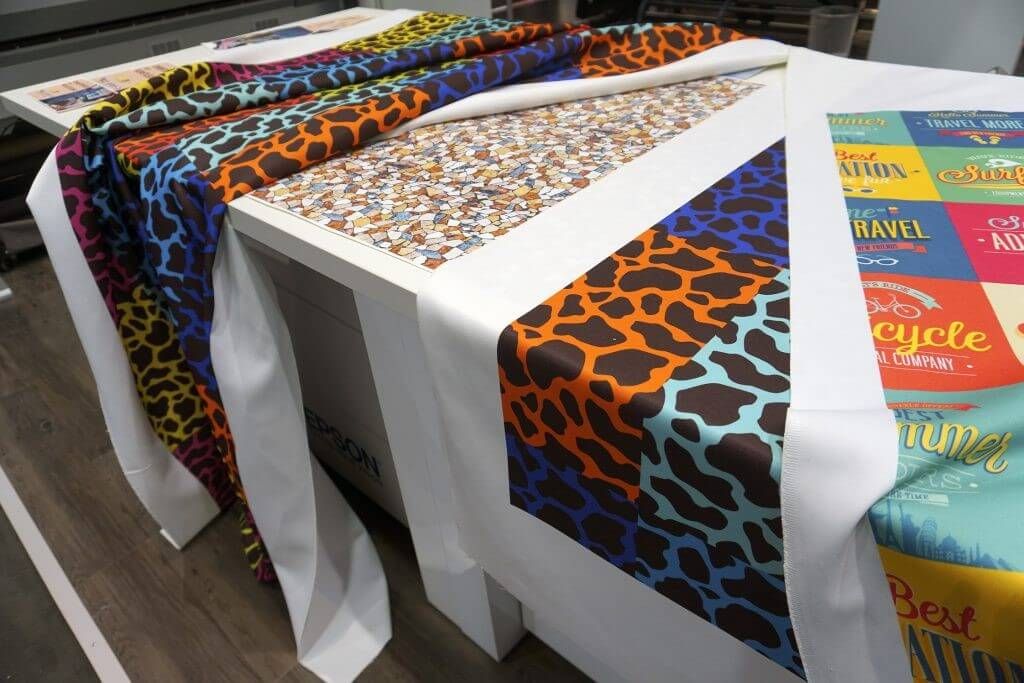
- Best option: 100% ring span cotton.
- Possible alternatives: cotton/polyester blend (but the color may dull).
- Materials to avoid: Nylon, spandex, or waterproof material because DTG ink is not well settled.
Prepare Your Graphics Design
The design of the T-shirt is very important for the final sprint finish. If the design file is not appropriate, the print may appear blurred or dull. To get sharp and clear results, prepare the graphics properly before printing. A good design ensures better quality, just like mens graphic t-shirts on sale that look clean and attractive.
Image Size, Resolution, and Color Mode
- Size: Check design is big enough for a T-shirt. The standard print area is about 12 by 16 inches.
- Resolution: Use at least 300 DPI (dot perch). If the resolution is low, the image may appear blurred.
- Color Mode: Select RGB as you most 3 Dtg a les mieux dans rgb que CMYK.
File Format Requirements
Printers support different file formats for print design, but some are more common and accepted by most machines. Using the right format makes it easier to prepare artwork and ensures that graphics on T-shirt print clearly and without any issues.
- PNG: Best for designs with transparent backgrounds.
- AI (Adobe Illustrator): Ideal for shrinking vector graphics.
- PSD (Photoshop): Suitable for detailed layer configuration design.
- PDF: Sometimes accepted, but make sure quality is high
Always save your file in the highest quality possible before printing.
How to Create Graphics for T-shirts
Designing graphics on T-shirt is different from creating designs for social media or websites. The key difference is that the design is printed directly on fabric, so it must be prepared carefully. Intricacy of colors, sizes as well as design elements of a print must be examined to make sure clean printing. Making the design simple and clear tends to yield optimum results in terms of the end t-shirt.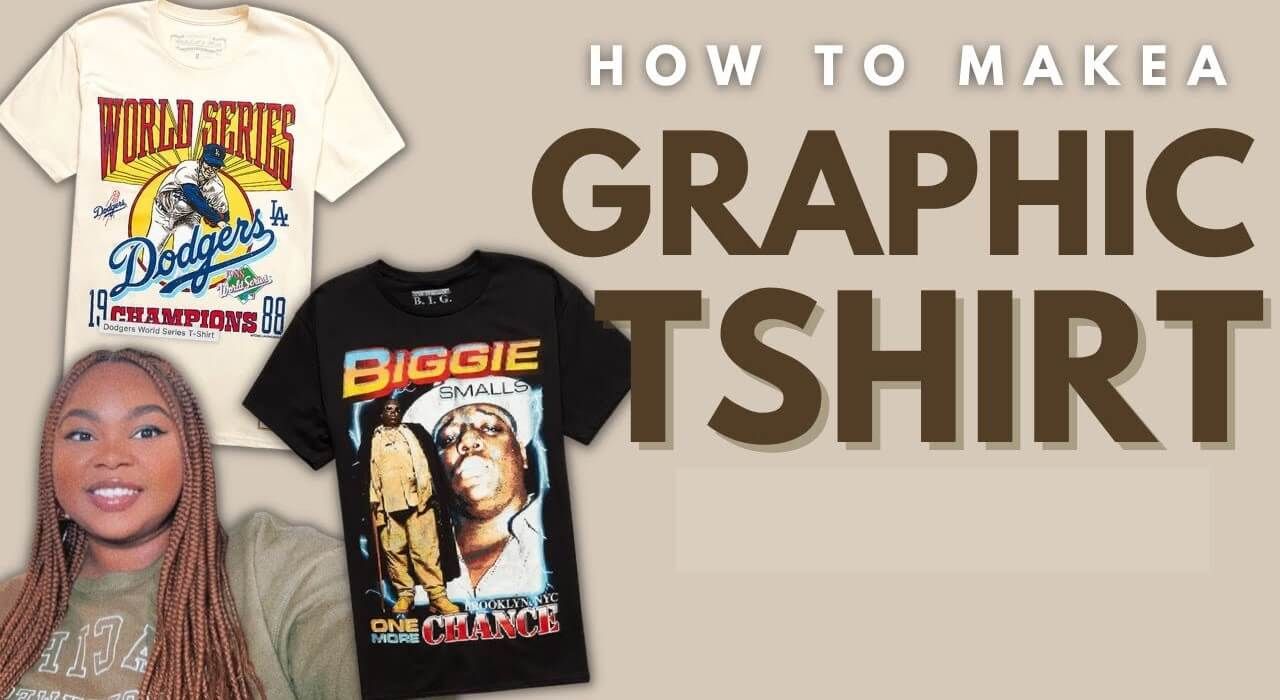
- Simple design is most effective: DTG printing can also print details, but small details may not reproduce well on the fabric.
- Use high contrast: Light design on dark shirt or dark design on brighT-shirt stand out.
- Check background removal: If you want your design without a background box, use PNG with transparency.
- Mock-up testing: Put your design on a T-shirt mock-up to test how it is going to look before printing.
You may not be good at design, in this case, use free tools such as Canva or professional software such as Adobe Illustrator and Photoshop.
Choose the Right Machine for T-shirt Printing
With DTG printing, the nature of a machine being employed is very crucial. There are DTG machines that are made to print a few shirts a day, and those made to handle a large number of shirts within a short time of printing. In selecting the appropriate machine, the printing requirements, budget and the number of shirts that should be made need to be factored in. Quality printing and ease of work is achieved in good machines. It is simple to print a pic on T-shirt with clarity and ease.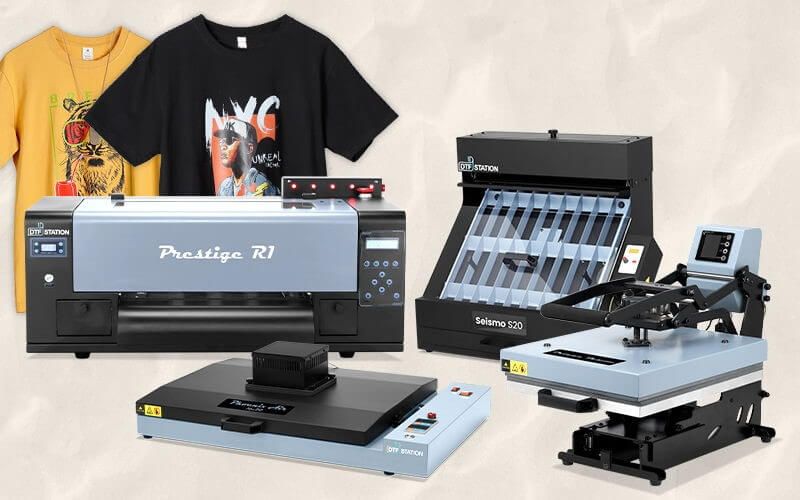
Entry-Level DTG Machines
These machines are the perfect choice for beginners and small printers. Low cost and easy to operate, but printing speed is slower than luxury models. The entry model is perfect for learning the basics of small lot printing and using files like png for shirts in DTG.
Professional DTG Machines
Professional DTG printers are designed for businesses that need faster results and higher quality printing. More T-shirts can be processed per hour, making it suitable for growing stores. These machines provide more detailed printing, brighter colors and smoother printing compared to entry models.
Industrial DTG Machines
Industrial DTG printers are designed for large companies that print hundreds of T-shirts daily. These printers are fast, durable and designed to withstand harsh use environments. It is the best choice for high-demand companies and provides stable quality even for bulk orders.
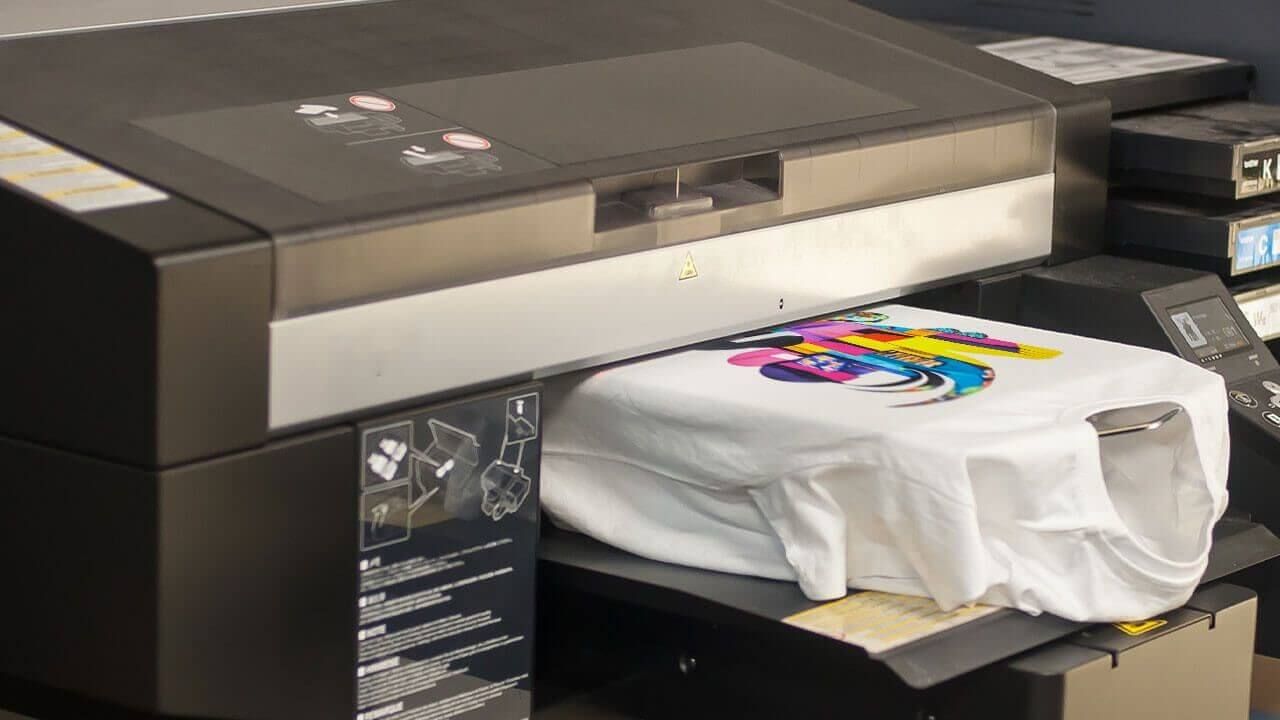
When choosing a DTG machine, check these points:
- Print area size
- Ink type and cost
- Maintenance requirements
- Speed (prints per hour)
- Software compatibility
In case you are not interested in purchasing a machine, you can resort to a print-on-demand service. With this, you could print your work after uploading it so you would not require having your own printer.
FAQs about Printing Graphics on T-shirts
- How do I keep my graphics clean when washing printed T-shirts?
Turn the T-shirt over and wash with cold water. Do not use bleach. Do not iron the printed part directly. When hanging or using a dryer, dry it at low temperature. - Can DTG print white ink on dark shirts?
Yes, DTG printers can print white underlings. DTG printing on black garments requires pretreatment, a white ink underbase, and then CMYK colors printed on top. Finally, the design is heat-cured for durability and vibrant results. - How long do DTG prints last?
With proper care, DTG prints can last 50+ washes without significant fading. Washing inside out with cold water and avoiding high heat drying helps maintain vibrant colors longer. - Can I use any image for DTG printing?
Yes, please note that low quality or pixelated images do not look good. Always use high resolution graphics. What’s more, using PODpartner, you can upload an image and customize your embroidery pattern.
Conclusion
A good method of printing graphics on T-shirt designs is DTG printing. It produces colorful, soft and quality prints that have a professional touch. To obtain the finest results, it is recommended to use 100 percent cotton fabric, and design in the correct size and resolution and to upload high-quality files. Using PODpartner is the easiest way to print graphics on T-shirts, especially when you do not have a printer, to receive prints in any quantity you want.
Further reading

No Order Minimums

No Membership Fees

No Unsold Stock

No Quality Concerns
Only Creativity, Satisfaction, and Profits!